Push badge
새로운 업데이트나 알림이 있음을 시각적으로 알려주기 위해 사용합니다.
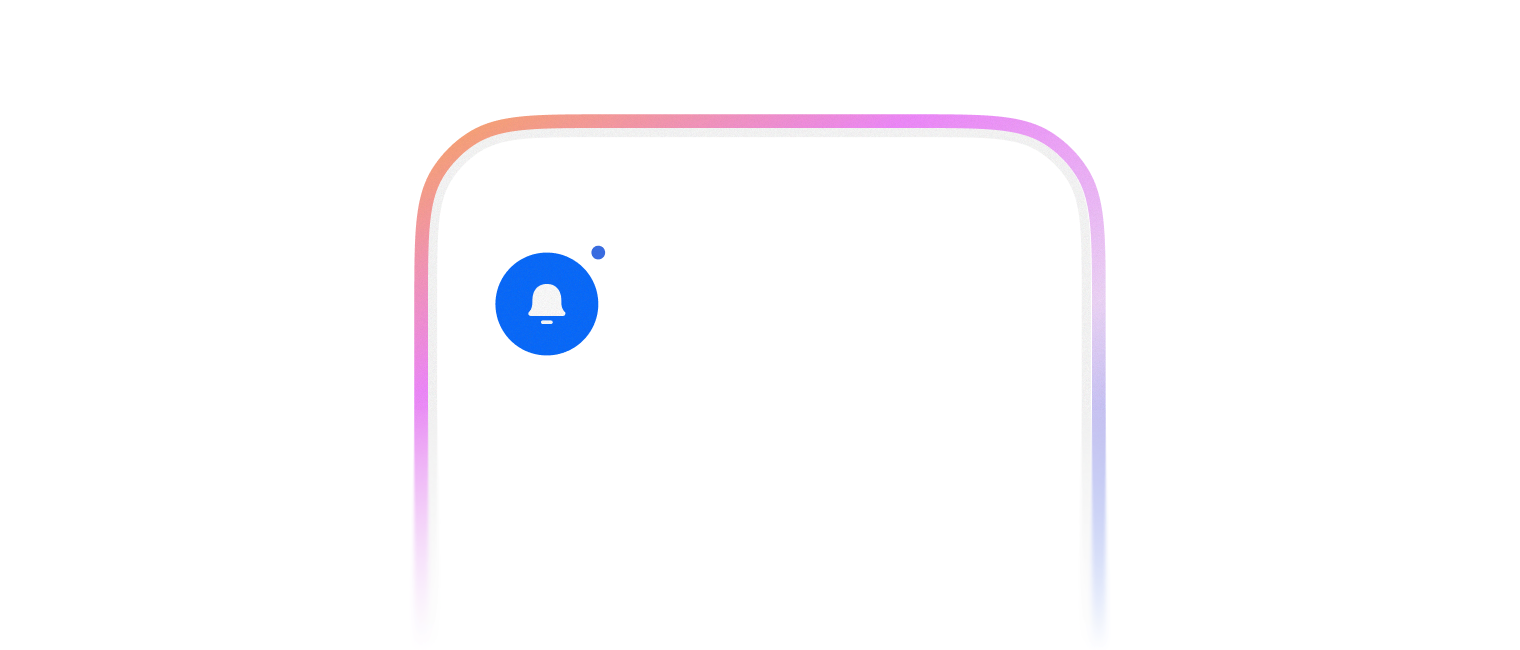
PushBadge는 3가지 variant를 제공합니다.
- dot
- text
- max-count
import { PushBadge, FlexBox, Box } from '@montage-ui/core';

const ExampleBox = () => {
return (
  <Box
    sx={(theme) => ({
      boxShadow: `inset 0 0 0 1px ${theme.semantic.line.neutral.primaryOpaque}`,
      width: 60,
      height: 60,
    })}
  />
)
}

const Demo = () => {
return (
  <FlexBox flexDirection="column" gap="8px">
    <FlexBox gap="16px" alignItems="center">
      <PushBadge variant="dot">
        <ExampleBox />
      </PushBadge>
    </FlexBox>
  </FlexBox>
)
}

export default Demo;import { PushBadge, FlexBox, Box } from '@montage-ui/core';
const ExampleBox = () => {
return (
<Box
sx={(theme) => ({
boxShadow: `inset 0 0 0 1px ${theme.semantic.line.neutral.primaryOpaque}`,
width: 60,
height: 60,
})}
/>
)
}
const Demo = () => {
return (
<FlexBox flexDirection="column" gap="8px">
<FlexBox gap="16px" alignItems="center">
<PushBadge variant="text" text="N">
<ExampleBox />
</PushBadge>
<PushBadge variant="text" text={3}>
<ExampleBox />
</PushBadge>
</FlexBox>
</FlexBox>
)
}
export default Demo;text 옵션에 숫자 상한치를 적용합니다. maxCount 옵션을 주어 최대 허용 숫자를 지정할 수 있어요.
import { PushBadge, FlexBox, Box } from '@montage-ui/core';

const ExampleBox = () => {
return (
  <Box
    sx={(theme) => ({
      boxShadow: `inset 0 0 0 1px ${theme.semantic.line.neutral.primaryOpaque}`,
      width: 60,
      height: 60,
    })}
  />
)
}

const Demo = () => {
return (
  <FlexBox flexDirection="column" gap="8px">
    <FlexBox gap="16px" alignItems="center">
      <PushBadge variant="max-count" text={100}>
        <ExampleBox />
      </PushBadge>

      <PushBadge variant="max-count" text={1000} maxCount={999}>
        <ExampleBox />
      </PushBadge>
    </FlexBox>
  </FlexBox>
)
}

export default Demo;position옵션으로 뱃지의 위치를 조정할 수 있습니다.offsetX,offsetY를 이용하여 추가적인 위치를 조정할 수 있습니다.
import { TextButton, PushBadge, FlexBox, Box } from '@montage-ui/core';

const ExampleBox = () => {
return (
  <Box
    sx={(theme) => ({
      boxShadow: `inset 0 0 0 1px ${theme.semantic.line.neutral.primaryOpaque}`,
      width: 60,
      height: 60,
    })}
  />
)
}

const Demo = () => {
return (
  <FlexBox flexDirection="column" gap="8px">
    <FlexBox gap="16px" alignItems="center">
      <PushBadge position="top-left">
        <ExampleBox />
      </PushBadge>
      <PushBadge position="top-center">
        <ExampleBox />
      </PushBadge>
      <PushBadge position="top-right">
        <ExampleBox />
      </PushBadge>
    </FlexBox>

    <FlexBox gap="16px" alignItems="center">
      <PushBadge position="middle-left">
        <ExampleBox />
      </PushBadge>
      <PushBadge position="middle-center">
        <ExampleBox />
      </PushBadge>
      <PushBadge position="middle-right">
        <ExampleBox />
      </PushBadge>
    </FlexBox>

    <FlexBox gap="16px" alignItems="center">
      <PushBadge position="bottom-left">
        <ExampleBox />
      </PushBadge>
      <PushBadge position="bottom-center">
        <ExampleBox />
      </PushBadge>
      <PushBadge position="bottom-right">
        <ExampleBox />
      </PushBadge>
    </FlexBox>
  </FlexBox>
)
}

export default Demo;3가지 사이즈를 제공합니다.
- xsmall (default)
- small
- medium
import { PushBadge, FlexBox, Box } from '@montage-ui/core';

const ExampleBox = () => {
return (
  <Box
    sx={(theme) => ({
      boxShadow: `inset 0 0 0 1px ${theme.semantic.line.neutral.primaryOpaque}`,
      width: 60,
      height: 60,
    })}
  />
)
}

const Demo = () => {
return (
  <FlexBox flexDirection="column" gap="8px">
    <FlexBox gap="16px" alignItems="center">
      <PushBadge size="xsmall" variant="dot">
        <ExampleBox />
      </PushBadge>
      <PushBadge size="small" variant="dot">
        <ExampleBox />
      </PushBadge>
      <PushBadge size="medium" variant="dot">
        <ExampleBox />
      </PushBadge>
    </FlexBox>

    <FlexBox gap="16px" alignItems="center">
      <PushBadge size="xsmall" variant="text" text="N">
        <ExampleBox />
      </PushBadge>
      <PushBadge size="small" variant="text" text="N">
        <ExampleBox />
      </PushBadge>
      <PushBadge size="medium" variant="text" text="N">
        <ExampleBox />
      </PushBadge>
    </FlexBox>

    <FlexBox gap="16px" alignItems="center">
      <PushBadge size="xsmall" variant="text" text={12}>
        <ExampleBox />
      </PushBadge>
      <PushBadge size="small" variant="text" text={12}>
        <ExampleBox />
      </PushBadge>
      <PushBadge size="medium" variant="text" text={12}>
        <ExampleBox />
      </PushBadge>
    </FlexBox>
  </FlexBox>
)
}

export default Demo;
invisible 옵션을 주어 뱃지를 껐다 켤 수 있습니다.
import { PushBadge, FlexBox, Box, Switch } from '@montage-ui/core';
import { useState } from 'react';

const ExampleBox = () => {
return (
  <Box
    sx={(theme) => ({
      boxShadow: `inset 0 0 0 1px ${theme.semantic.line.neutral.primaryOpaque}`,
      width: 60,
      height: 60,
    })}
  />
)
}

const Demo = () => {
const [invisible, setInvisible] = useState(false);

return (
  <FlexBox flexDirection="column" gap="8px" alignItems="center">
    <Switch checked={!invisible} onCheckedChange={(value) => setInvisible(!value)} size="small" />
    <FlexBox gap="16px" alignItems="center">
      <PushBadge invisible={invisible} size="medium" variant="dot">
        <ExampleBox />
      </PushBadge>
    </FlexBox>
  </FlexBox>
)
}

export default Demo;outlineBorder옵션을 사용하여 외곽에 테두리를 표시 할 수 있습니다.outlineBorderColor옵션을 사용하면 테두리 색상을 변경할 수 있습니다.Avatar컴포넌트와 사용할 때 활성화를 권장합니다.
import { PushBadge, FlexBox, Box } from '@montage-ui/core';

const ExampleBox = () => {
return (
  <Box
    sx={(theme) => ({
      boxShadow: `inset 0 0 0 1px ${theme.semantic.line.neutral.primaryOpaque}`,
      backgroundColor: theme.semantic.surface.neutral.inverse,
      width: 60,
      height: 60,
    })}
  />
)
}

const Demo = () => {
return (
  <FlexBox flexDirection="column" gap="8px">
    <FlexBox gap="16px" alignItems="center">
      <PushBadge outlineBorder size="xsmall" variant="dot">
        <ExampleBox />
      </PushBadge>
      <PushBadge outlineBorder size="small" variant="dot">
        <ExampleBox />
      </PushBadge>
      <PushBadge outlineBorder size="medium" variant="dot">
        <ExampleBox />
      </PushBadge>
    </FlexBox>

    <FlexBox gap="16px" alignItems="center">
      <PushBadge outlineBorder size="xsmall" variant="text" text="N">
        <ExampleBox />
      </PushBadge>
      <PushBadge outlineBorder size="small" variant="text" text="N">
        <ExampleBox />
      </PushBadge>
      <PushBadge outlineBorder size="medium" variant="text" text="N">
        <ExampleBox />
      </PushBadge>
    </FlexBox>

    <FlexBox gap="16px" alignItems="center">
      <PushBadge outlineBorder size="xsmall" variant="text" text={12}>
        <ExampleBox />
      </PushBadge>
      <PushBadge outlineBorder size="small" variant="text" text={12}>
        <ExampleBox />
      </PushBadge>
      <PushBadge outlineBorder size="medium" variant="text" text={12}>
        <ExampleBox />
      </PushBadge>
    </FlexBox>
  </FlexBox>
)
}

export default Demo;