List card
여러 콘텐츠를 목록 형태로 보여줄 때 사용하는 요소입니다. 이미지, 텍스트, 뱃지 등 다양한 요소를 조합하여 각 항목의 정보를 시각적으로 일관성 있게 전달합니다.
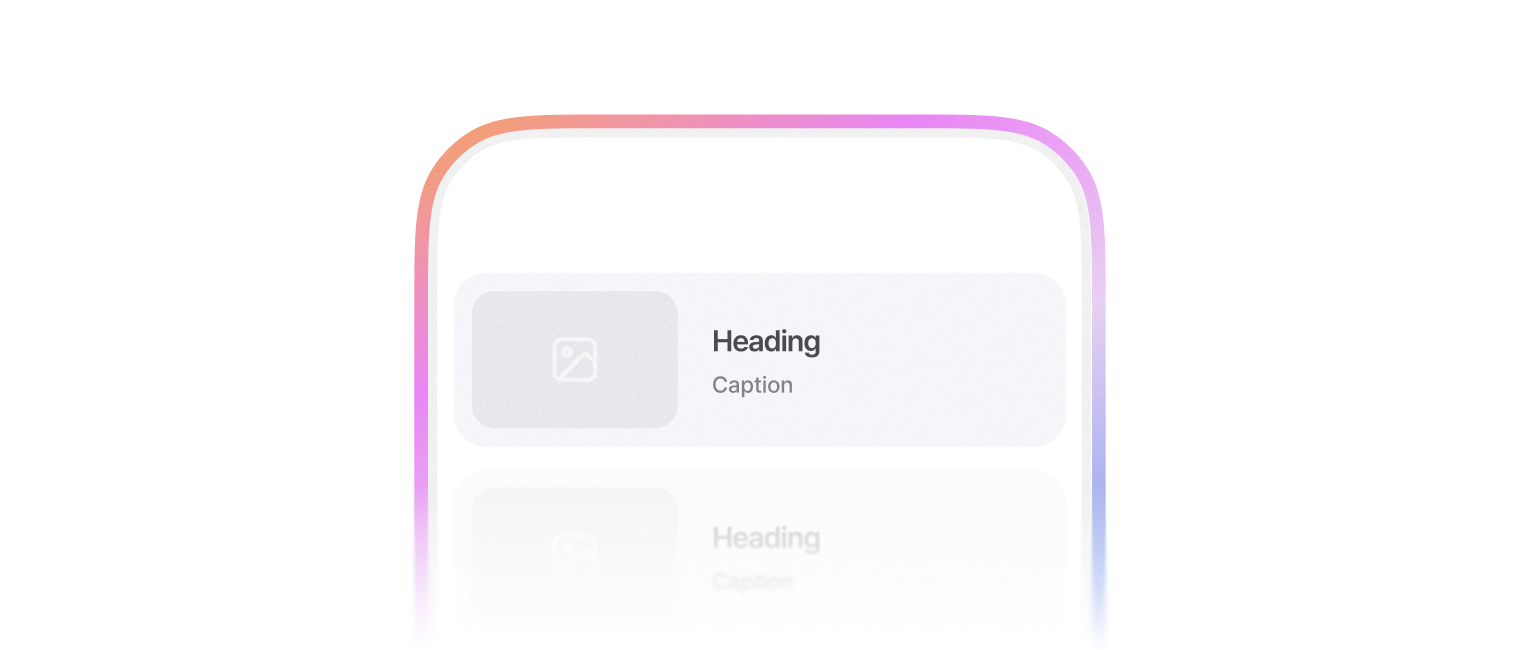
표시할 양이 많은 정보를 묶어 표시할 때 사용합니다.

import { ListCard, ListCardThumbnail, ListCardTitle, ListCardCaption, ListCardBody } from '@montage-ui/core';

const Demo = () => {
  return (
    <ListCard
      width="45%"
      sx={{ margin: 'auto' }}
    >
      <ListCardThumbnail
        src="https://static.wanted.co.kr/images/company/79/elpzxpmgh94xesrf__1080_790.png"
        alt="Wanted Company Image"
      />
      <ListCardBody>
        <ListCardTitle>Heading</ListCardTitle>
        <ListCardCaption>Caption</ListCardCaption>
        <ListCardCaption>Extra caption</ListCardCaption>
      </ListCardBody>
    </ListCard>
  );
}

export default Demo;아래와 같은 구조로 조합하여 사용합니다.
leadingContent, trailingContent로 좌우측 끝에 콘텐츠를 추가할 수 있습니다.
ListCardContent로 요소를 감싸서 사용합니다.
import { ToggleIcon, FlexBox, Checkbox, ListCard, ListCardTitle, ListCardBody, ListCardCaption, ListCardThumbnail, ListCardContent } from '@montage-ui/core';
import { IconBookmark, IconBookmarkFill } from '@montage-ui/icon';
import { useState } from 'react';

const Demo = () => {
  const [checked, setChecked] = useState(false);
  const [isBookmarked, setIsBookmarked] = useState(false);

  return (
    <ListCard
      sx={{ margin: 'auto' }}
      width="45%"
      leadingContent={(
        <ListCardContent variant="checkbox">
          <Checkbox
            checked={checked}
            onCheckedChange={setChecked}
          />
        </ListCardContent>
      )}
      trailingContent={(
        <ListCardContent variant="toggle-icon">
          <ToggleIcon
            activeColor="semantic.foreground.brand.primary"
            active={isBookmarked}
            onActiveChange={setIsBookmarked}
          >
            {isBookmarked ? <IconBookmarkFill /> : <IconBookmark />}
          </ToggleIcon>
        </ListCardContent>
      )}
    >
      <ListCardThumbnail
        src="https://static.wanted.co.kr/images/company/79/elpzxpmgh94xesrf__1080_790.png"
        alt="Wanted Company Image"
        width="240px"
      />
      <ListCardBody>
        <ListCardTitle>Heading</ListCardTitle>
        <ListCardCaption>Caption</ListCardCaption>
      </ListCardBody>
    </ListCard>
  );
}

export default Demo;ListCardRow의 position을 조정하여 상단, 하단에 콘텐츠를 추가할 수 있습니다.
뱃지나 부가적인 내용을 추가할 때 사용합니다.
import { FlexBox, ListCard, ListCardTitle, ListCardCaption, ListCardBody, ListCardRow, ContentBadge, ListCardThumbnailSkeleton } from '@montage-ui/core';

const Demo = () => {
  return (
    <FlexBox gap="24px" flexDirection="column" alignItems="center" sx={{ width: '100%' }}>
      <ListCard width="45%">
        <ListCardThumbnailSkeleton animation={false} />
        <ListCardBody>
          <ListCardRow position="top" variant="badge">
            <ContentBadge color="neutral">Badge</ContentBadge>
          </ListCardRow>
          <ListCardTitle>Heading</ListCardTitle>
          <ListCardCaption>Caption</ListCardCaption>
        </ListCardBody>
      </ListCard>
      <ListCard width="45%">
        <ListCardThumbnailSkeleton animation={false} />
        <ListCardBody>
          <ListCardTitle>Heading</ListCardTitle>
          <ListCardCaption>Caption</ListCardCaption>
          <ListCardRow position="bottom" variant="badge">
            <ContentBadge color="neutral">Badge</ContentBadge>
          </ListCardRow>
        </ListCardBody>
      </ListCard>
    </FlexBox>
  );
}

export default Demo;platform 옵션을 통해 내부 콘텐츠의 간격 및 크기를 조정할 수 있습니다.
- desktop (default)
- mobile
import { FlexBox, ListCard, ListCardThumbnail, ListCardTitle, ListCardCaption, ListCardBody } from '@montage-ui/core';

const Demo = () => {
  return (
    <FlexBox gap="24px" flexDirection="column" alignItems="center" sx={{ width: '100%' }}>
      <ListCard width="45%" platform="desktop">
        <ListCardThumbnail
          src="https://static.wanted.co.kr/images/company/79/elpzxpmgh94xesrf__1080_790.png"
          alt="Wanted Company Image"
        />
        <ListCardBody>
          <ListCardTitle>Heading</ListCardTitle>
          <ListCardCaption>platform: desktop</ListCardCaption>
          <ListCardCaption>Extra caption</ListCardCaption>
        </ListCardBody>
      </ListCard>

      <ListCard width="45%" platform="mobile">
        <ListCardThumbnail
          src="https://static.wanted.co.kr/images/company/79/elpzxpmgh94xesrf__1080_790.png"
          alt="Wanted Company Image"
        />
        <ListCardBody>
          <ListCardTitle>Heading</ListCardTitle>
          <ListCardCaption>platform: mobile</ListCardCaption>
          <ListCardCaption>Extra caption</ListCardCaption>
        </ListCardBody>
      </ListCard>
    </FlexBox>
  );
}

export default Demo;Card의 로딩 상태를 표현할 때 Skeleton 컴포넌트들을 조합해서 사용합니다.
- ListCardSkeleton
- ListCardThumbnailSkeleton
- ListCardBody
- ListCardRowSkeleton
- ListCardTitleSkeleton
- ListCardCaptionSkeleton
import { ListCardSkeleton, ListCardThumbnailSkeleton, ListCardRowSkeleton, ListCardTitleSkeleton, ListCardCaptionSkeleton, ListCardBody } from '@montage-ui/core';

const Demo = () => {
  return (
    <ListCardSkeleton width="45%" sx={{ marginInline: 'auto' }}>
      <ListCardThumbnailSkeleton />
      <ListCardBody>
        <ListCardRowSkeleton />
        <ListCardTitleSkeleton />
        <ListCardCaptionSkeleton type="normal" />
        <ListCardCaptionSkeleton type="extra" />
        <ListCardRowSkeleton />
      </ListCardBody>
    </ListCardSkeleton>
  );
}

export default Demo;정해진 breakpoint에 따라 아래 옵션을 override 할 수 있습니다.
- platform
- width